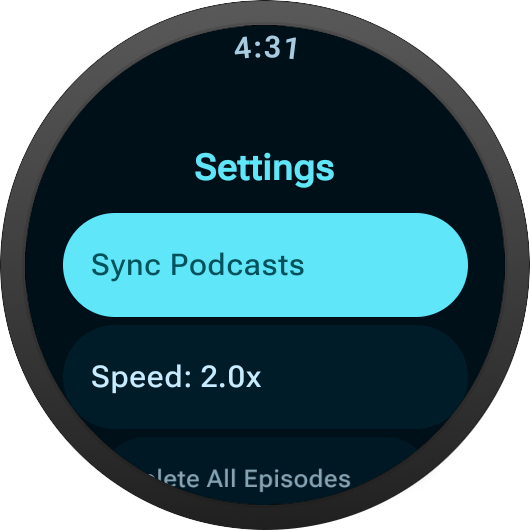
Podcasts on your watch. No phone needed.
Build your queue from the web, sync it to your watch, and go for a run. Episodes download automatically so they're ready when you are.

How it works
Build your queue
Search for podcasts and add episodes from the web app. Subscribe to shows and new episodes get added automatically.
Sync to your watch
Episodes download to your Wear OS watch over Wi-Fi. Background sync keeps everything up to date.
Leave your phone behind
Play offline during runs, walks, or commutes. Your playback position syncs back when you reconnect.
Features
Subscribe and forget
Subscribe to your favorite shows and new episodes are added to your queue as they're released. Set a retention window and old episodes clean themselves up.
Fully offline
Episodes are stored on your watch. No phone connection, no cellular, no streaming. Just press play.
Position sync
Pause on your watch, resume on the web. Your position stays in sync across devices.
Playback speed
Listen at 1x, 1.5x, or 2x speed directly from your watch.
Drag to reorder
Prioritize your queue however you want. Changes sync to your watch on next download.
Built for your wrist
The watch app is designed for glanceable control. See what's next, start playback, adjust speed, and sync your library -- all without reaching for your phone.
The web app is free. The Wear OS app is a one-time purchase.